Creating a Matter in Cubed
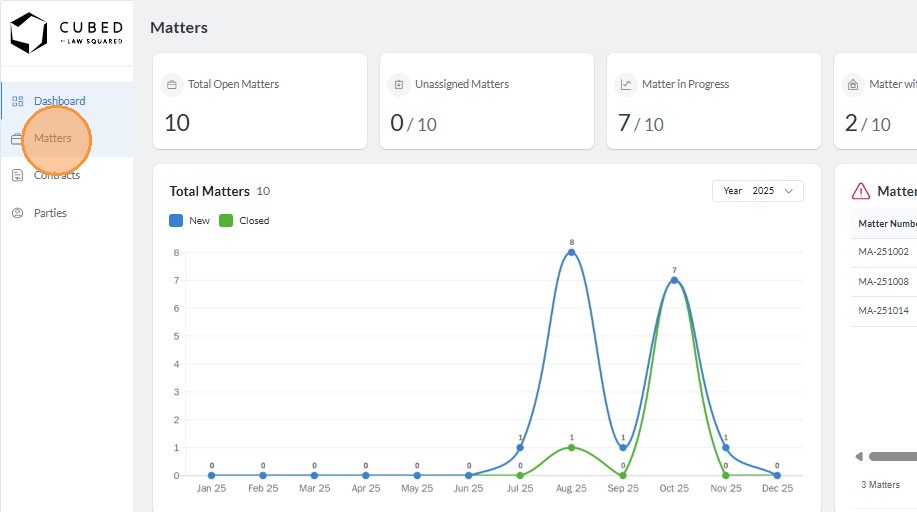
1. Navigate to Matters module
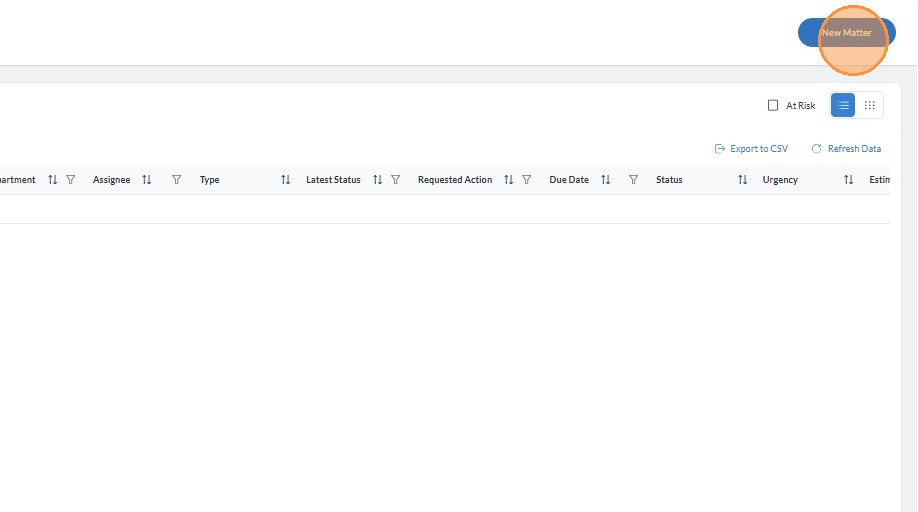
2. Click "New Matter" on the top right corner of the screen
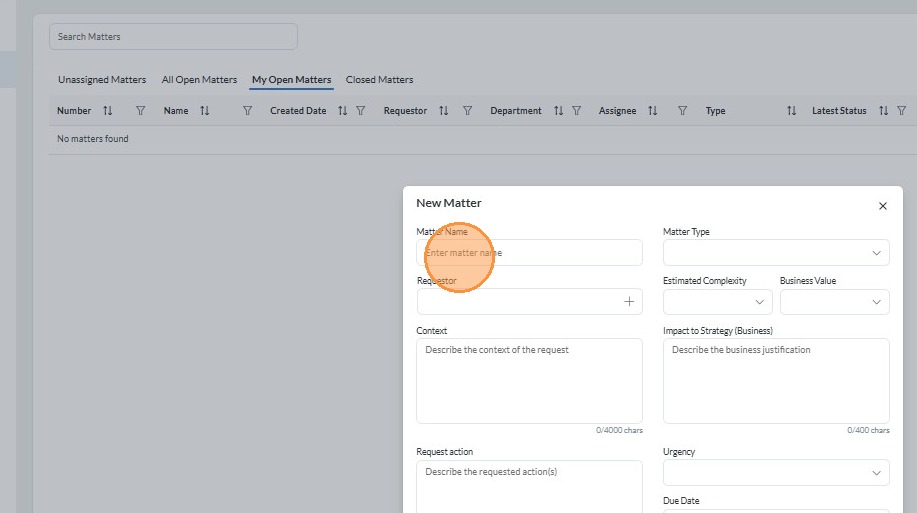
3. Enter Matter Name
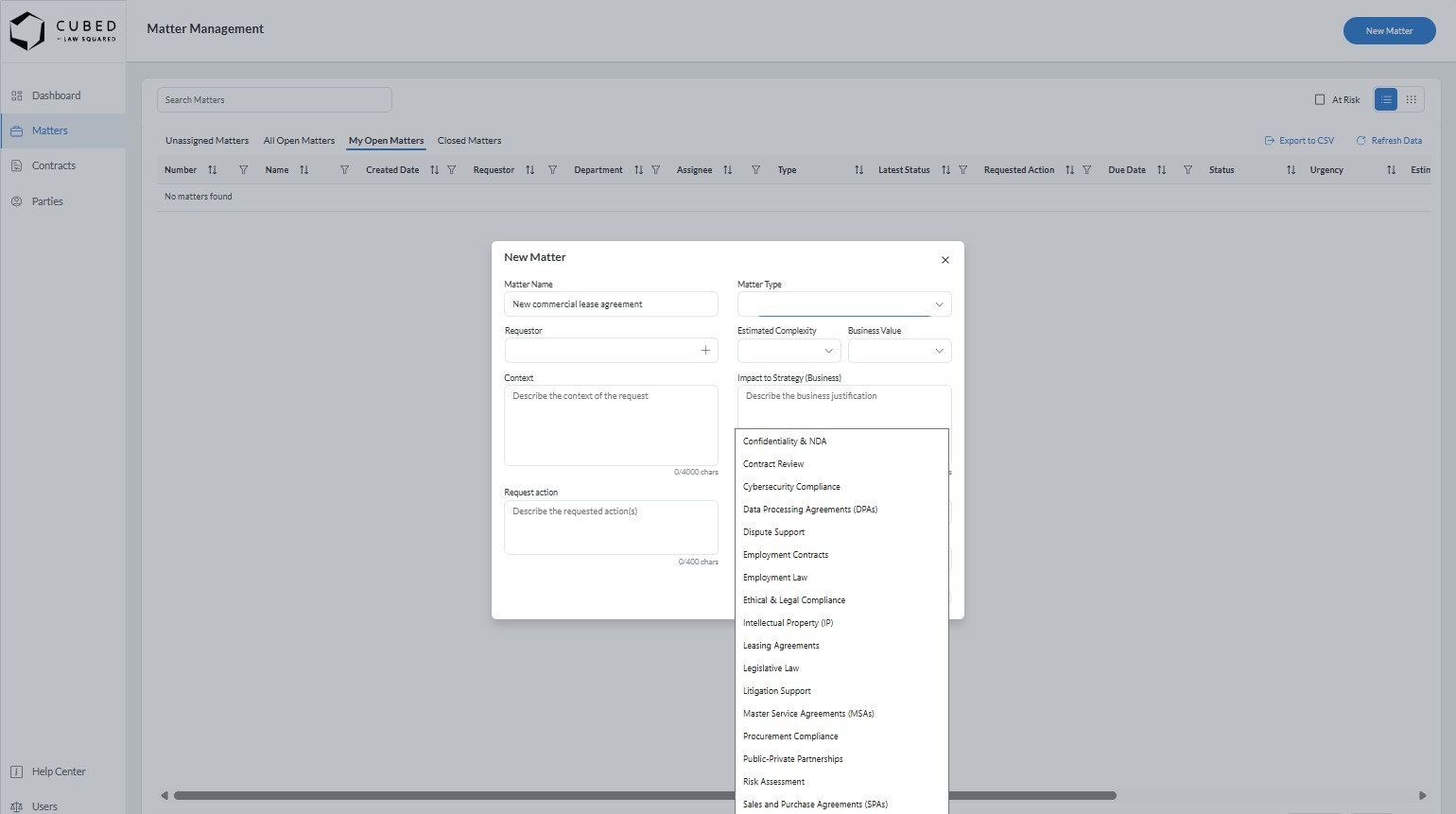
4. Select Matter Type from the drop down menu
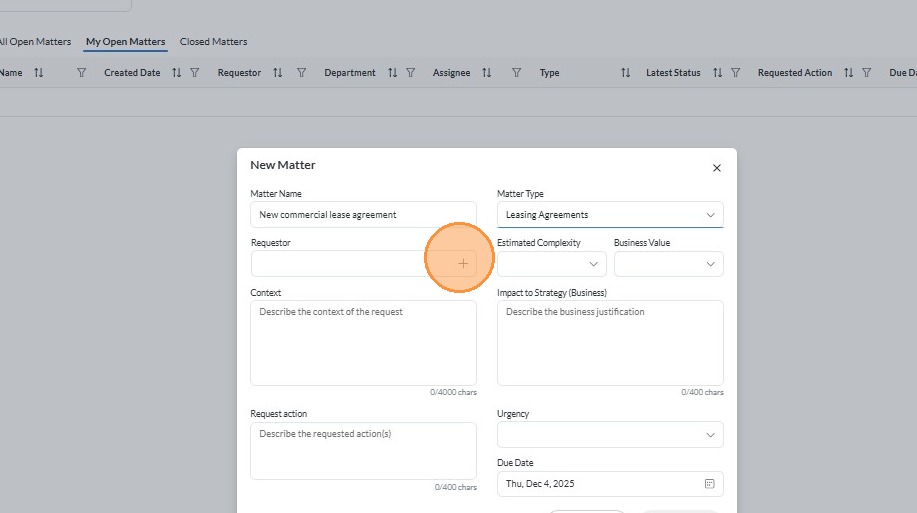
5. Click the "+" to assign requestor
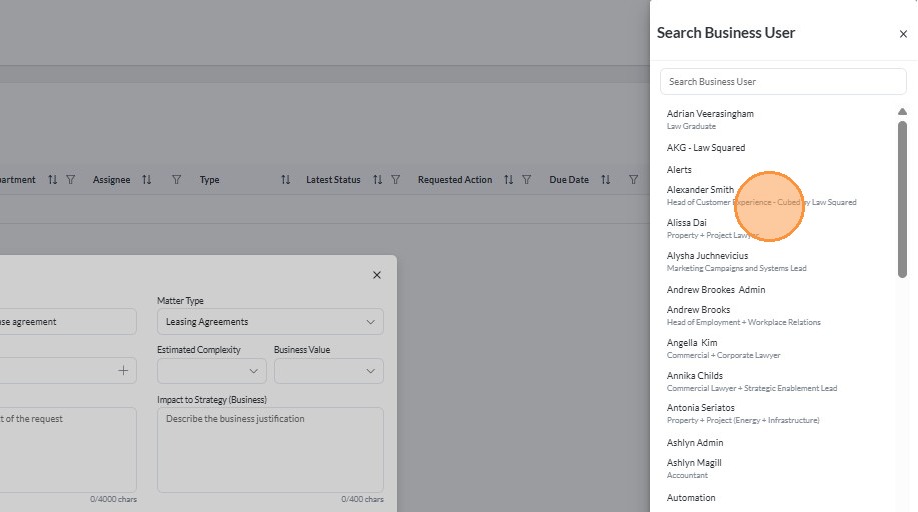
6. Select the user who requested the matter. Note that the user must on the same Microsoft tenant.
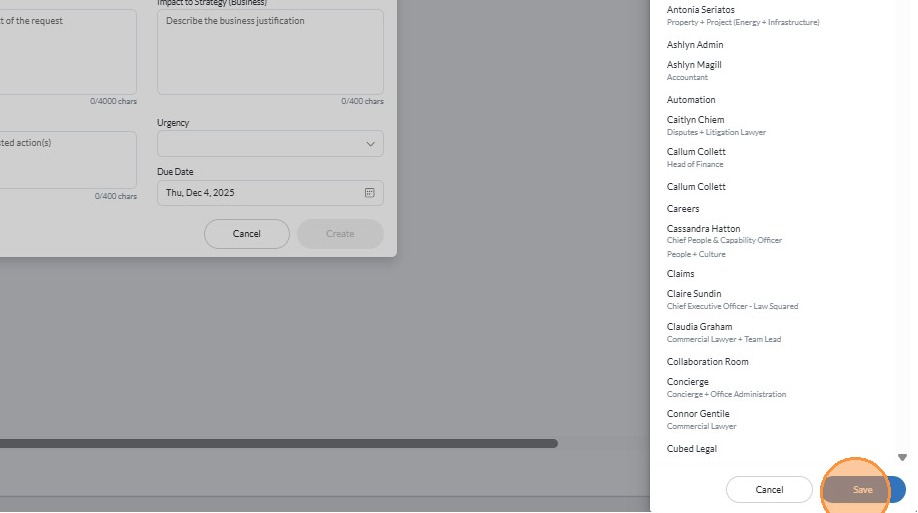
7. Click "Save"
8. Assign estimated complexity from the drop down menu
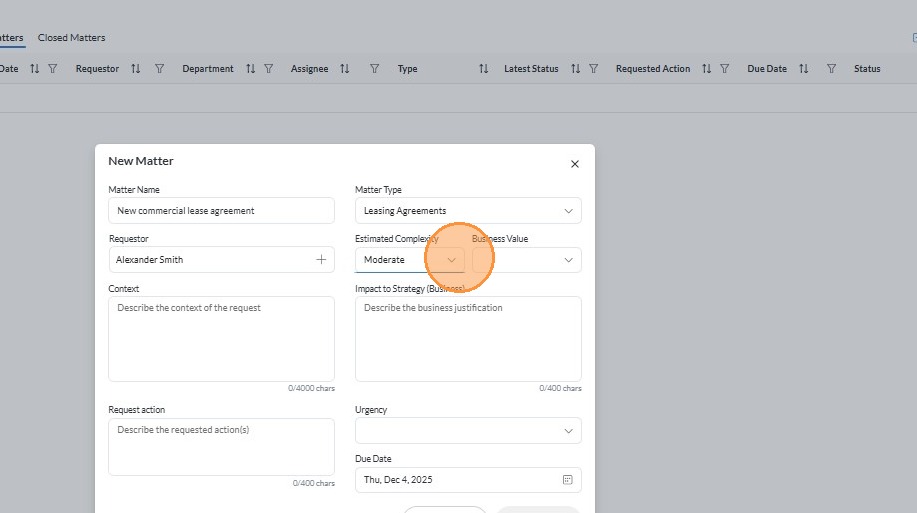
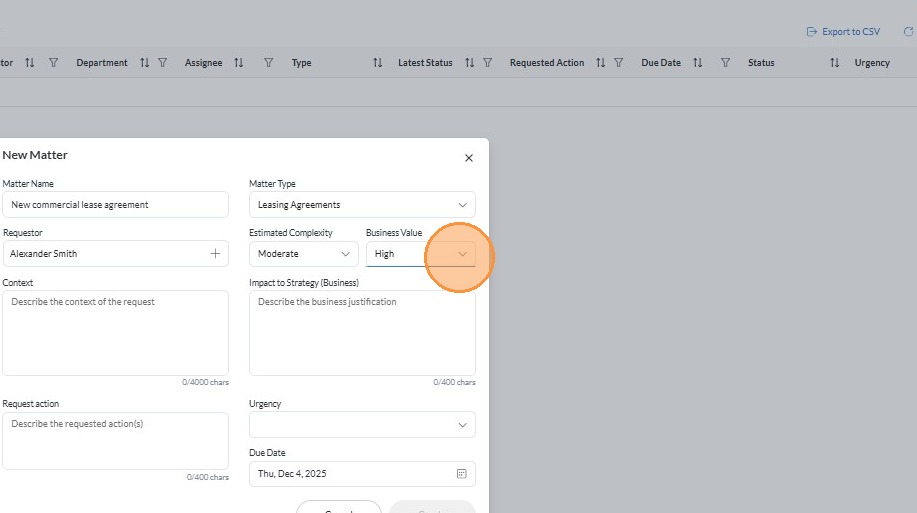
9. Assign business value from the drop down menu.
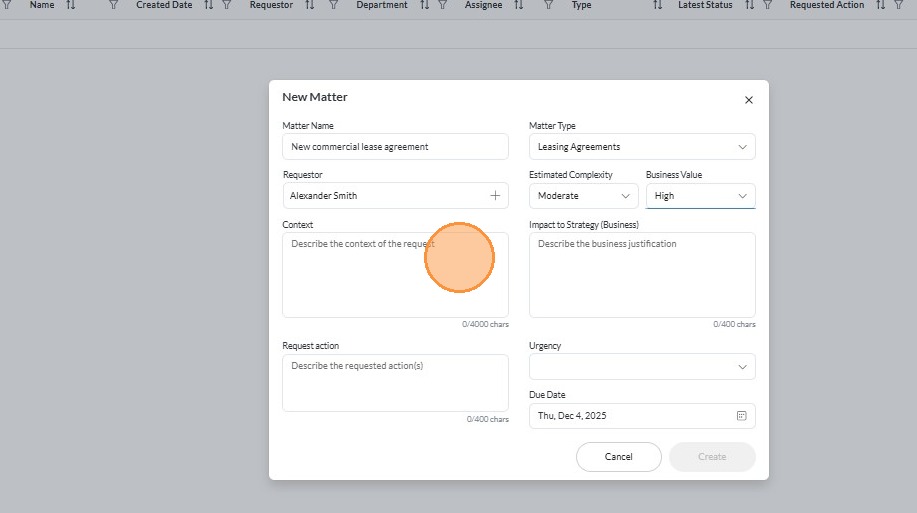
10. Describe the context of the request being made.
11. Describe the impact to business strategy.
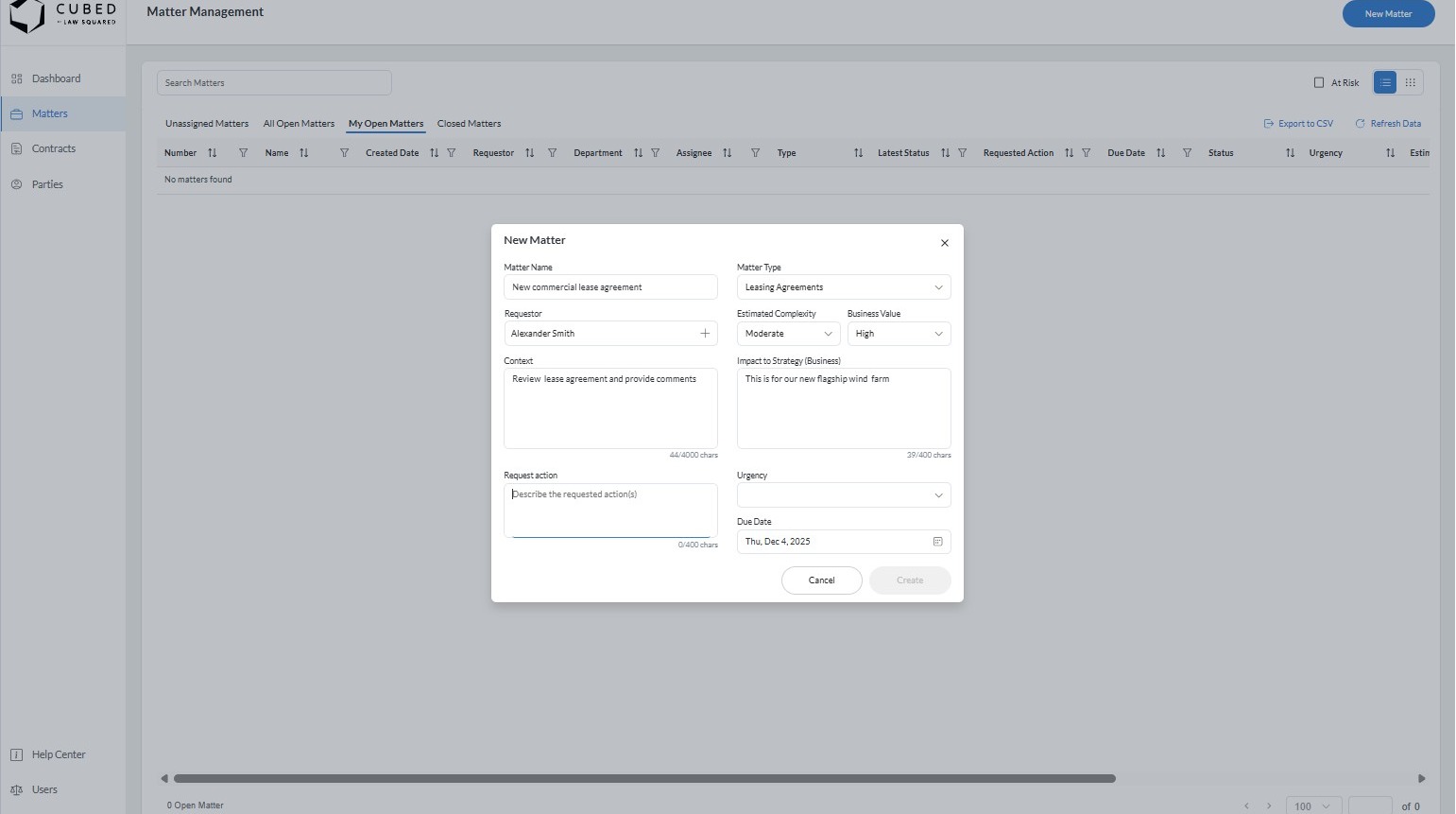
12. Add the requested action.
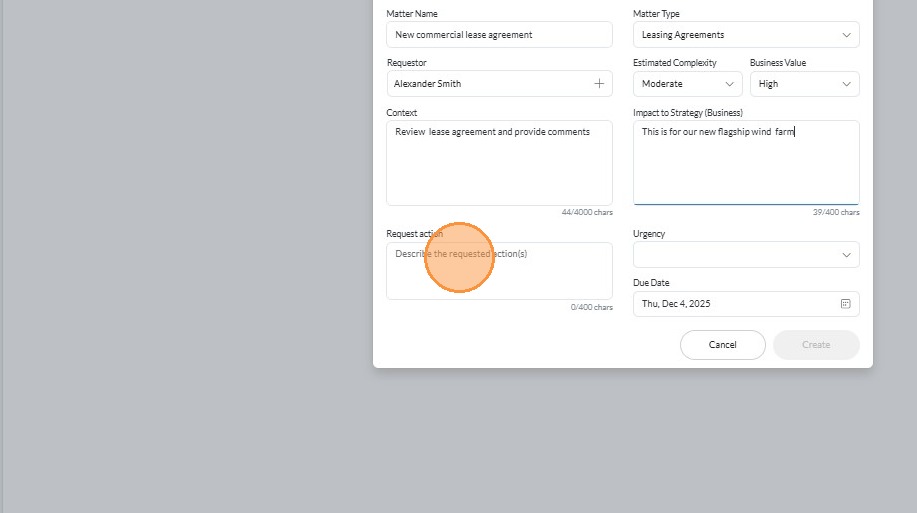
13. Select the urgency of the matter
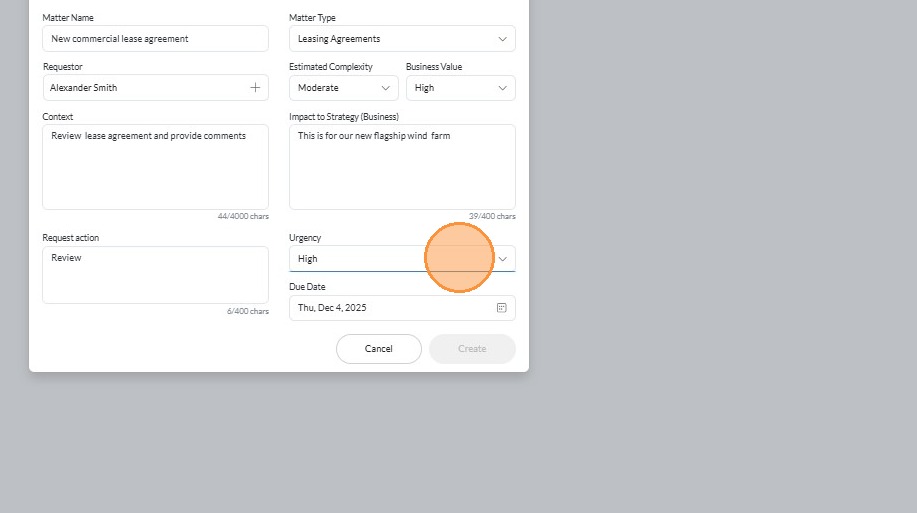
14. Select a due date
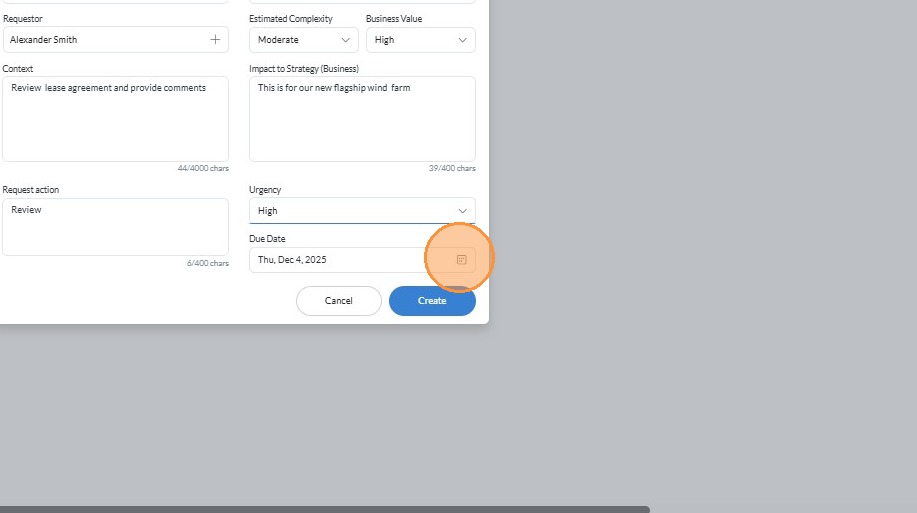
15. Click "Create"
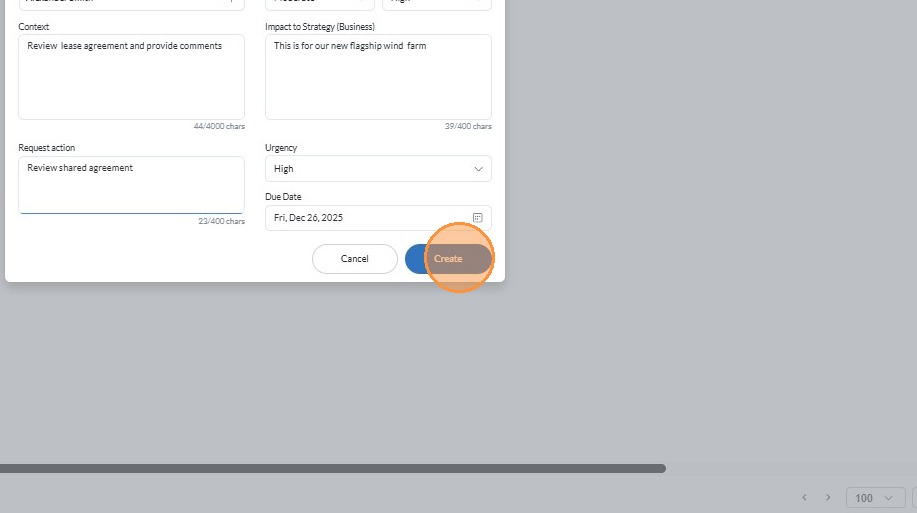
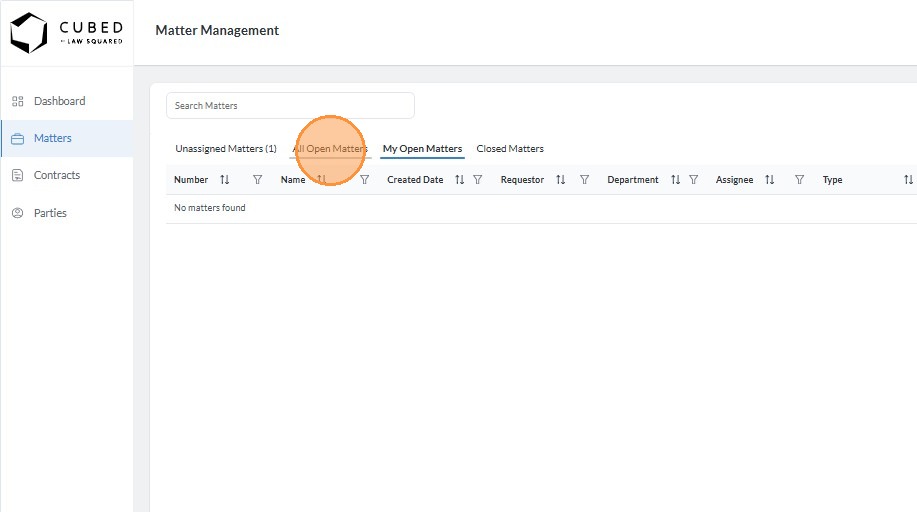
16. Click "All Open Matters"
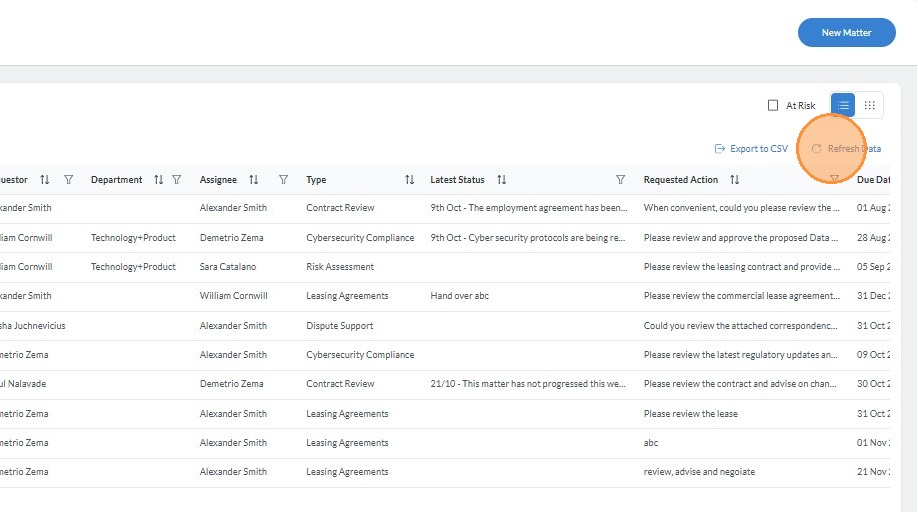
17. Click "Refresh Data" to see the new matter in the list